
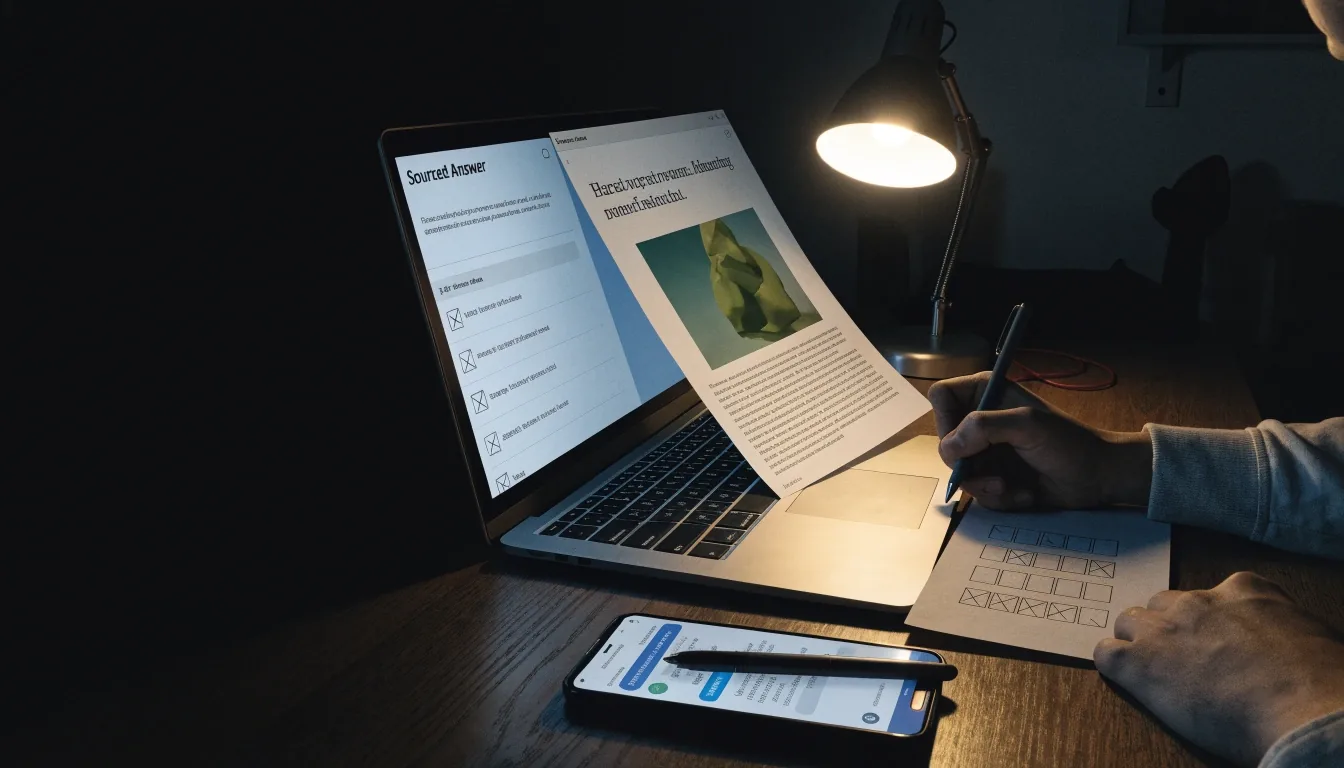
Need answers you can cite? Start here.
Research tools fail when they hide sources. This page looks at Perplexity for research-backed answers, Notion AI for an organised knowledge base, and Workday AI for HR-side screening. Each serves a different reader, but all three answer the same question: can you trace the result back to something real?
Written by Dmytro Bondarets · Ümera tn 2-152, Tallinn · Reviewed November 2026
How to read this page
Three apps, three answers, one habit: open the source.
Research work splits along a single line — where the answer needs to go. A cited memo leaves your machine. A team wiki stays. A hiring shortlist sits inside HR software. Each section below names what the tool actually does well, what it does not, and the check you keep on your side of the desk before you quote anything.
Sources
Answer carries a citation
Perplexity structures its replies around linked sources. Practical for market checks and client background — as long as you open two or three of them.
Notes
Knowledge lives where the notes live
Notion AI summarises pages inside your own workspace. Useful when a small Tallinn team shares one wiki across roles.
People
HR meets AI as ranked lists
Workday is an enterprise workforce platform. If you hire, AI arrives as candidate summaries — read them critically, not as verdicts.
Where does the answer need to go?
Choosing between them starts with one question.
A cited memo, a team wiki, a hiring shortlist, a public post — each one lands in a different place. Pick the row that matches where your answer has to end up. Many weeks need two tools in sequence rather than one winner; that is normal and cheaper than hunting for a single perfect app.
Cited memo, market check, client background
Open two or three sources
Team wiki, meeting notes, shared workspace
Keep titles clear, archive drafts
Candidate screening, talent management
Shortlist, never decide
Final pass on client emails and public posts
Keep suggestions as suggestions
Students and solo freelancers, months at a time
Upgrade one tool only
Dates, publishers, primary Estonian sources
A week before switching
- Cited memo, market check, client background — open two or three sources.
- Team wiki, meeting notes, shared workspace — keep titles clear, archive drafts.
- Candidate screening, talent management — shortlist, never decide.
- Final pass on client emails and public posts — keep suggestions as suggestions.
- Free plans for students and solo freelancers — upgrade one tool only.
- Manual checks on dates, publishers and primary Estonian sources.
01 — Perplexity
Perplexity and source-grounded reading
Perplexity structures answers around citations, which makes it practical for market checks, coursework, and client background. Open two or three cited pages before quoting anything. Check dates, especially for Estonian regulations or pricing — the citation is there, but the page behind it may already be a year behind.
Source-grounded does not mean error-free; it means checkable. That difference saves afternoons. When a client asks where a figure came from, you can name the publisher, the page and the day you read it — instead of describing a chatbot conversation.
A short check before you cite
-
i
Open at least two of the cited pages in the answer.
-
ii
Note the publisher and the date on each page.
-
iii
Copy the exact sentence you plan to rely on, not the AI summary.
-
iv
For any number, find a second independent source.

02 — Notion AI
Notion AI inside your notes
Notion AI lives where notes already live. It summarises pages, turns meeting notes into tasks, and drafts from your own knowledge base. That helps small teams in Tallinn who share one workspace across roles — the designer, the developer and the accountant reading the same source of truth, with the assistant working from pages they can all see.
Keep page titles clear and archive old drafts. A tidy workspace improves AI output more than clever prompts do. When a summary reads oddly, the cause is usually a page named "Notes 3 final final" from six months ago, still sitting in the index.
Works well for
Meeting notes turning into tasks, summaries across shared pages, first drafts from your own base.
Not for
Facts about the outside world. Pair it with a source-showing tool for anything a client will quote back.
03 — Workday
Workday when you are the manager
Workday is an enterprise workforce platform with AI features for candidate screening and talent management. If you hire, you meet AI as ranked lists and summaries inside HR software, not as a chatbot. That changes the shape of the decision: you are not asking an assistant a question — you are reading a shortlist the software produced, and deciding what to do with it.
Read those summaries critically. Confirm employment dates and skills against CVs. Use AI to shortlist, not to decide. A ranked list is a compression of the applications — it can rank a fluent CV above an experienced one, miss a non-linear career, or weight phrasing your team never asked for.
The habit that pays off: before an interview, read the CV first and the AI summary second. Note every claim in the summary you cannot verify from the CV, and treat those as interview questions rather than gaps in the candidate.
04 — Grammarly
Grammarly still earns its place
Chatbots draft; Grammarly polishes. For client emails and public posts, that final pass catches issues chat drafts miss.
Grammarly is a long-running writing assistant for grammar, clarity, and tone. It has been around long enough to know the difference between a passive voice that hurts and one that matches how an Estonian client actually writes. It reads the sentence, not the topic.
- Grammar and spelling
- Catches the slips chat drafts leave behind, especially in long emails.
- Clarity
- Flags sentences that got too heavy while you were still composing the first version.
- Tone
- Suggests a register; your judgement on tone for an Estonian client still counts.
Keep its suggestions as suggestions. A rewrite that removes your own phrasing is usually worse than the sentence you wrote — especially in contract language, where precision beats polish.
The habit that outlasts any plan
Verification habits for sourced work
This habit matters more than which research plan you hold. Students, freelancers and small teams can all keep it without spending anything extra.
-
01
Open the source. A citation you have not clicked is not a citation yet.
-
02
Note the publisher and the date. When it is an Estonian regulation or a price, the date decides whether it still holds.
-
03
Copy the exact sentence you rely on. Paraphrases drift; a quoted line does not.
-
04
For numbers, find a second source. Two independent publishers beat one confident paragraph.
-
05
For Estonian topics, prefer primary pages from agencies or universities over aggregated snippets.
A short weekly habit — not a promise that any tool returns error-free answers.
Small-team practice
Collaboration notes for small teams
Share links to sources, not just AI summaries. Keep a short log: query, tool, useful lines, verified status. New teammates in a three-person startup can then follow decisions without replaying chats.
Column 1
The question you asked — one line, so the next reader knows the topic.
Column 2
The tool that answered it — Perplexity, Notion AI, a colleague, or a search engine.
Column 3
The sentences you would quote — with the publisher and date beside each.
Column 4
Verified or pending — your own mark, so the next person knows what to trust.
Notion handles this well because the log and the draft sit together — the citation list and the sentence it supports live in the same page, one click apart.
Cost of entry
When free is enough
Students and solo freelancers often stay free for months. Limits appear with heavy PDF work or daily team summaries — the point where the tool stops being an experiment and starts carrying a recurring habit.
Upgrade one tool that touches revenue, keep the rest free, and review each semester. If output quality drops after an update, revert to manual checks for a week before switching tools — the drop is usually a change in the product, not in your question.
A short rule of thumb
-
Pay for the tool that saves hours on client work.
-
Keep the rest on free plans — include them in a scheduled review.
-
Cancel before the renewal date you will not remember — put it in a calendar.
Questions readers send
Two answers I repeat most often
A short note at the end of the page, for readers who want the summary in the plainest form.
Which tool gives the most reliable sourced answers?
Tools that attach citations you can open, like Perplexity, are easier to verify. Still open the sources and confirm dates before citing — the citation is a starting point, not a guarantee about what the page actually says.
Is Notion AI a replacement for research tools?
No. It organises and summarises your material. Pair it with a source-showing tool for external facts. Notion answers questions about your own workspace; it does not answer questions about the world.
Where to go next
Keep reading, or bring us your setup.
The general assistants page compares the wider field. If you want a second opinion on your own research workflow, the contact page has the address, hours and email — usual replies arrive the same working day.
Dmytro Bondarets · Ümera tn 2-152, Lasnamäe linnaosa, Tallinn 13817 · Monday to Friday, 9:00 AM – 6:00 PM