
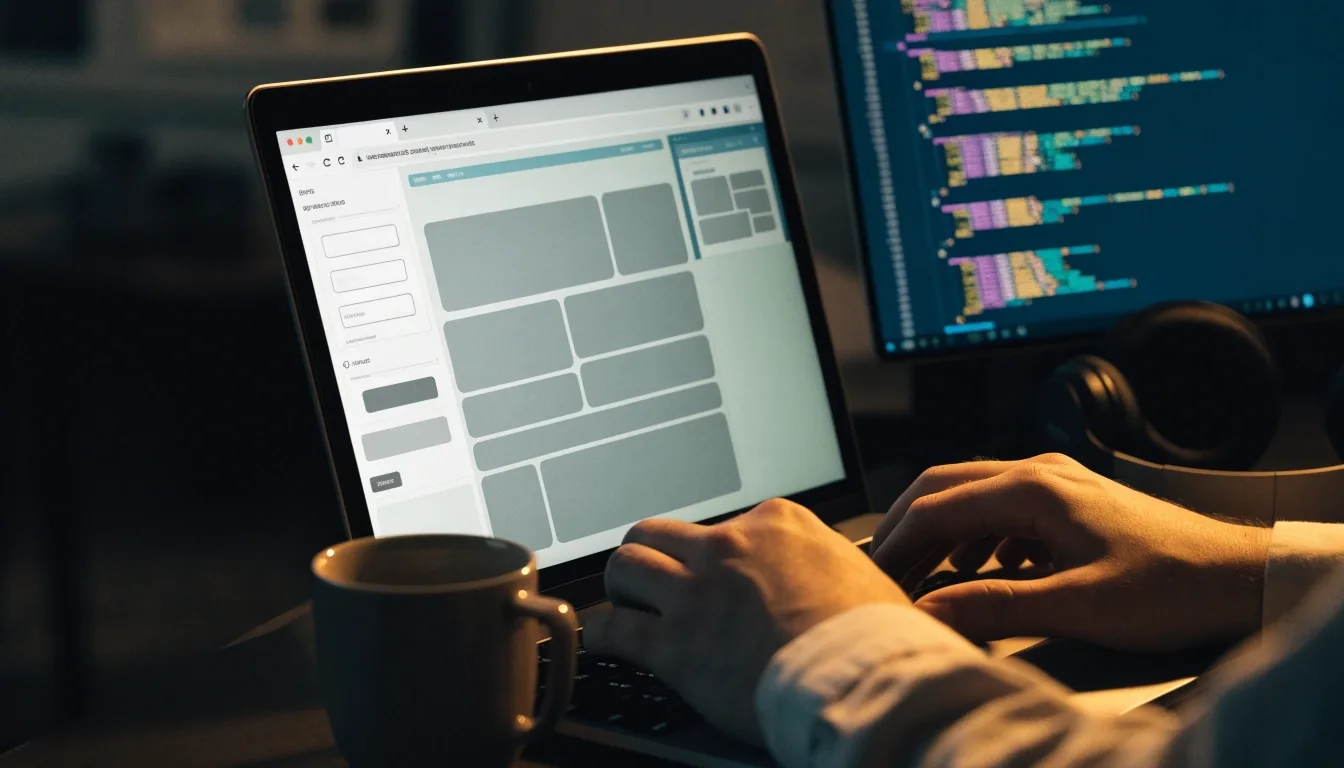

A Tallinn workbench in a small studio: stone slab, graphite keyboard, an open notebook and a cold mug under a single violet LED strip.
Bolt · Tabnine · Lovable · Google AI Studio

Can prompts become working prototypes this week?

Pick the right AI tool for the work. Tabnine for daily code completion inside the editor you already use — Bolt, Lovable and Google AI Studio for the clickable prototype a small team actually shows someone on Friday.

Two kinds of builders visit this page

One writes code daily and wants faster completion without leaving the editor. The other has an idea and wants to click through it before hiring a build. The two groups end up using different tools on the same week.

Already shipping code

Your day is inside one editor. What you want is an assistant that finishes a function signature, a repetitive block, or a test scaffold without breaking the flow of a thought.

Tabnine, Cursor and Copilot comparisons usually start here.

Testing an idea

You do not want to explain the idea to an agency yet. You want a clickable booking form, a landing interaction, or a small internal tool that someone else can press.

Lovable and Google AI Studio fit this work.

Both in sequence

The prototype gets made in an afternoon. The production version is written by hand, with review and tests. Most of the projects this page describes use both tools across one build.

Neither replaces the other.

Tabnine for code completion without disruption

Tabnine is an AI coding assistant focused on developer productivity through code completion. It lands inside the editor you are already working in — the same tab, the same keymap, the same terminal two inches away — which is why teams often pick it before a full IDE switch. It gets compared to Copilot and Cursor in almost every roundup, and the comparison usually turns on the same question: how much of your workflow are you willing to move?

Test it on the boring parts first. Repetitive functions, boilerplate handlers, DTOs, simple validation, test scaffolds. That is where completion pays for itself in an afternoon and where a wrong suggestion costs ten seconds instead of a debugging session. Only after those feel reliable should you move on to harder work — a refactor that touches a module with tests attached, where the payoff is real but the blast radius is wider.

  • Works inside an existing editor rather than a new platform.
  • Strongest on repetitive functions and framework boilerplate.
  • Refactors want tests attached before you trust a suggestion.
  • Judge it over a week of real commits, not a demo.
Close view of a model-testing playground on screen with parameter sliders and a streamed response, plus a hand-drawn tally grid on the notebook beside the laptop.
Testing a small prompt on a laptop in a Tallinn studio before it ever touches product code — the notebook tally is deliberately outside the screen.

Lovable, Bolt and the vibe-coding wave

Prompt-to-app builders turn a description into working interfaces and early prototypes. That speed is real, and so is the gap it leaves behind.

Lovable

Describe it, click it, break it

Lovable appears in 2026 roundups as a prompt-to-app builder that turns descriptions into working interfaces and early prototypes. That speed helps founders in Tallinn test a booking flow or a landing interaction before hiring a build. The right move is to treat the output as a prototype: click every path, break it on purpose, and write down what still needs real code before anyone sees it.

Early speed does not replace review.

Bolt

A working app from one paragraph

Bolt fits the same family of tools — you write what the app should do, and the builder stands up a running version you can click through in the browser. It is the fastest way to argue about scope with a co-founder, because the argument is about a real screen rather than a paragraph. Keep the first prompt small: one flow, one role, one outcome.

A prototype answers a question. It does not answer whether the product is finished.

Google AI Studio

Quick model tests before product code

Google AI Studio gives developers a place to try Gemini models and start prototyping quickly. For a small team that means testing a summariser or classifier before wiring it into a product. Keep test data simple and non-sensitive, and move to production code only after the prototype proves useful on real inputs.

Try the model in isolation. Wire it in second.

Workflow automation around the build

A prototype creates follow-up work the moment someone clicks it: copy to rewrite, assets to shoot, user tests to schedule, bugs to triage.

Templates

Keep the copy deck, the brief and the review checklist in one shared folder. When the demo moves, the checklist moves with it — no re-explaining the same decisions to the same two people.

Checklists

A short list before each user test — what to click, what to watch, what to write down. Two or three items are enough; the goal is a decision, not a report.

Shared prompts

The prompts that produced the prototype are worth keeping next to the code. When someone rewrites a screen, they start from the phrasing that already worked rather than from a blank field.

Modest automation is the point: three or four habits that survive a two-person week will beat a ten-tool kitchen sink every time.

Limits builders should respect

A fast prototype that leaks data is not fast; it is expensive. The limits below are the same ones that make the prototype useful in the first place — treat them as part of the build, not as paperwork after it.

Generated code needs tests

A working demo path is not a tested code path. Even short scaffolding wants a test that says what it was supposed to do — otherwise the next edit has nothing to argue against.

Generated interfaces need accessibility checks

Contrast, focus order, button labels, form errors. None of this is automatic, and a small team notices a skipped check only after the first real user cannot finish a flow.

Secrets and customer data stay out of demos

Do not paste API keys, real customer text or production database exports into a public playground. Use a short, obviously-fake sample and keep the real thing on your own machine.

Review licences on generated assets

Fonts, illustrations and sample code pulled from the internet arrive with their own conditions. Before anything ships commercially, check what the source actually permits.

A practical starting path

Three days, three decisions. This loop fits student projects and pre-seed tests alike because it asks nothing that a small team cannot answer in an evening.

  1. Day one

    Describe the prototype in one paragraph

    Write one paragraph that names the user, the flow and the outcome. Generate the first clickable version with a prompt-to-app builder, then stop and read the code you did not write.

  2. Day two

    Two users, one friction list

    Put the prototype in front of two people. Watch where they hesitate and write that down. Do not fix anything during the test — collect the friction and decide afterwards.

  3. Day three

    Decide what stays

    Sort the friction list into three piles: keep as is, rewrite by hand, remove. If completion will speed the rewrite, put Tabnine or a similar assistant into the editor before the next session.

Running a build in Tallinn and want a second pair of eyes on the tool choice before you commit? Send a short paragraph about the project and its one open question.

Ask about your build idea

Questions builders ask first

Two of the most common ones, answered plainly. More writing on adjacent topics lives on the research and assistants pages.

Continue with research and productivity notes or AI assistants compared.

What is best for coding and app prototyping?

Daily coders often test Tabnine or a similar completion tool inside their own editor. Non-coders testing ideas often start with a Lovable-style or Bolt-style prompt-to-app builder. Many projects use both in sequence: the builder for the first clickable version, the completion tool for the hand-written rewrite that follows.

Will vibe coding replace developers?

No. It speeds early prototypes, and it shows a founder what a flow feels like before a build starts. Production apps still need testing, security review and maintenance by people who understand the code — that part of the job has not moved.

Where does Google AI Studio fit next to the builders?

It sits a level below the interface builders. Use it to test a Gemini model on a small task — a summariser, a classifier, a structured extraction — before committing that task to product code. If the result holds on real inputs, wire it in. If it does not, you found that out cheaply.

Still unsure which tool fits your week? The contact page explains how to describe your project in a few lines, and how guidance is put together on this site is written up here.