
Claude
Drafting and analysis — messy outlines turned into structure
Best for long writing
Monday to Friday, 9:00 AM – 6:00 PM
Ümera tn 2-152, Tallinn, Estonia
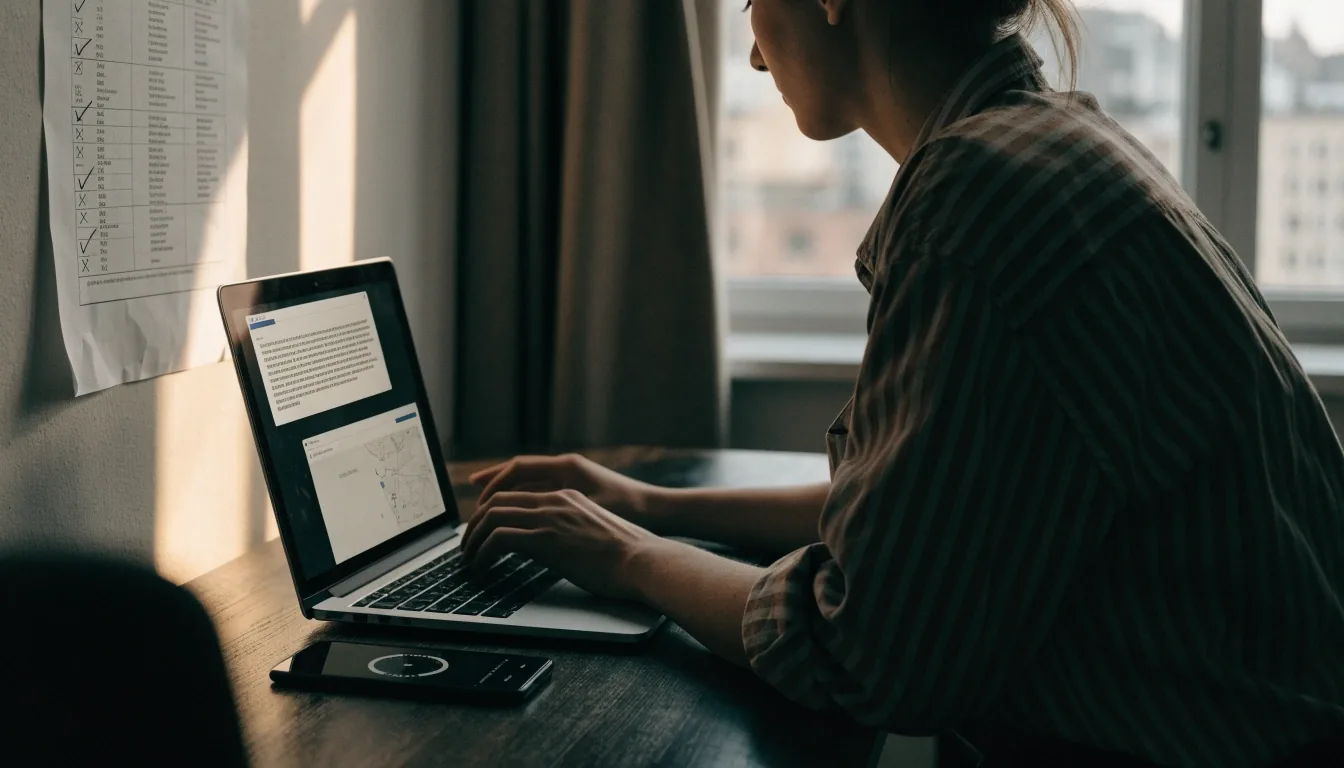
General-purpose assistants look alike until you give them real work. Match the assistant to where your drafts already live — long writing, quick lookup, or multimodal handling.
Where each assistant lands
Read down the left column to the job you actually have this week — a long report, a browser tab full of sources, a drive full of shared documents. The right column says plainly which assistant fits, and where it wobbles. Nothing here is a ranking; it is a shortlist matched to workflow.
Claude
Drafting and analysis — messy outlines turned into structure
Best for long writing
ChatGPT Atlas
Browser-side help — recap, simplify, draft without leaving the tab
Research in one tab
Gemini
Inside Google work — docs, mail and drive stay in one place
Google-centred files
Multimodal input
Text plus images, voice or files — a photo of notes, an attached PDF
Mixed material
Prompt basics
Audience, length, format, source text — no course required
Reusable patterns
Cost sense
Free tiers first; pay when the limits interrupt paid work
One payer, one tool
Anthropic's conversational assistant, usually picked when a draft has to be reasoned through rather than just generated.
Give it a messy outline and ask for structure first; then ask for a tighter second pass in the same thread. It holds long context well enough for reports, seminar drafts and long emailed threads, which is where most solo writers actually notice the difference. Extra plugins rarely carry as much weight as a steady second pair of eyes on the same document.
Try it on: report outline · email thread summary · argument check
Same material, three handles
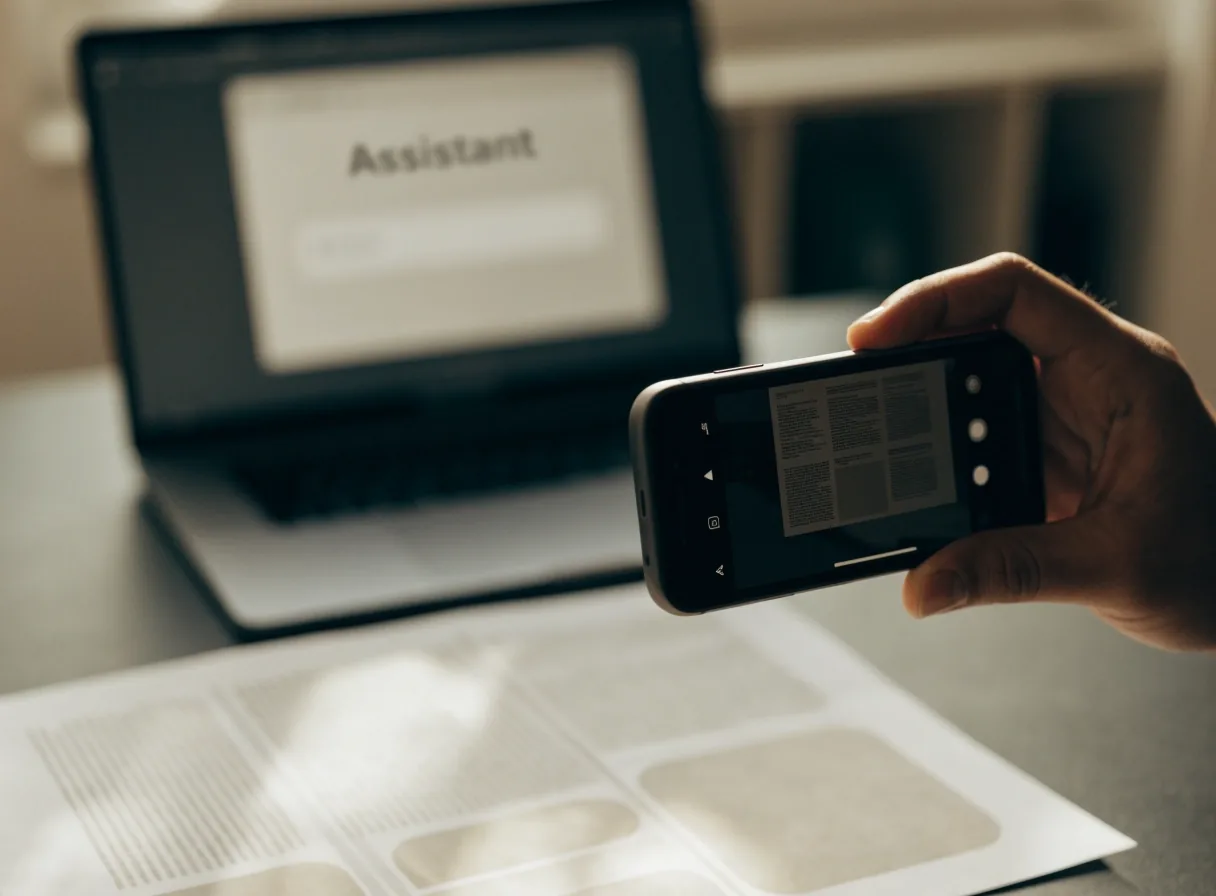
Multimodal simply means text along with images, voice, or files in the same prompt. Take a photo of handwritten notes, attach a PDF, or dictate an idea while walking. All three assistants handle some mix of this — the honest test is your material, not theirs.
Scanned handouts
Lecture pages, printed contracts, photographed whiteboards — one prompt, one pass.
Screenshots
Interface fragments and charts read better as images than as guessed descriptions.
Short voice memos
Draft a paragraph by speaking, then tighten the text in the same thread.
Pick the assistant that reads your actual material cleanly, not the one with the longest feature list.
The four lines that carry most prompts
Who is reading this — a first-year student, a client, your own teammate. Audience sets tone faster than adjectives do.
200 words, five bullets, one paragraph. A number stops the model from guessing at scale.
Bullets, a short paragraph, a table, an email reply. Formatting is where most first drafts are lost.
Then ask for one revision at a time. Example: "Audience: first-year students. Length: 200 words. Format: bullets. Source below."
A two-week test you can run in Tallinn
Week one: use one assistant for three real tasks and note time saved and fixes needed. Week two: repeat with the second option on similar tasks. Compare finished output, not feature lists. One page of notes beats ten review videos.
Students at TalTech and freelancers near Telliskivi have run this exact loop to pick a daily driver.
Three honest limits
The wobbles are predictable once you know the shape of them. Treat every first answer as a draft, and keep the verification step non-negotiable for client work.
Claude
Long chats drift, and citations may be missing. Claude can still produce confident filler when the source is thin — if the input is one paragraph, the output rarely invents real depth, only the sound of it.
ChatGPT Atlas
Browser helpers can misread paywalled pages and quietly replace a name or a date with a plausible one. Keep prompts short, and check names and dates against the original page before you ship a reply.
Gemini
Gemini can mix personal and shared files if settings are loose. Convenience and privacy travel together here — review sharing before you hand over sensitive documents or someone else's material.
All three assistants can produce a serviceable paragraph that sounds like no one wrote it. The fix is editorial, not technical: add one concrete detail only you would know, then cut the sentence that reads like a template. That step is where a draft becomes yours, and it is the one step no assistant can do for you.
Cost and free-tier sense
Most everyday writing fits free tiers at first. The honest trigger to pay is that a limit stops work you were already being paid for — not that a comparison chart said one plan is bigger than another. If you do pay, pay for one assistant only, then revisit in two months with a fresh look at what you actually used.
For a small team, one payer keeps the subscription clean, shared prompt patterns keep the value visible, and a review of the second seat usually answers itself: if nobody noticed the extra seat, it was not doing work.
What to check before you upgrade
Which task stopped. A specific limit on a specific job is the clearest signal that a paid tier will pay back. A vague feeling that you should upgrade rarely does.
How often it happens. Once a month is a different decision from every afternoon of the week. Write down the frequency for two weeks before you decide.
Whether a free alternative covers it. A different assistant's free tier, a shorter prompt, or splitting a long document across two sessions sometimes removes the wall entirely.
Who is paying. On a small team, one payer and one shared list of working prompts beat several quiet subscriptions nobody reviews.
Questions we get asked
If you are between two tools and the decision keeps sliding, one of these two usually settles it.
Still unsure which assistant fits your files? Write to Dmytro with a short note about the documents you work with, and we will point at a starting tool.
Two weeks of real tasks will tell you more than any comparison page — including this one. If you want a second opinion before you start, a short note about the files you work with is enough.
Ümera tn 2-152, Lasnamäe, Tallinn · Mon–Fri, 9:00–18:00 · [email protected]